Binance hacked of $6.3 billion!
Binance announces about $6.3 billion was stolen on the 29th October 2026 from the time of publishing this article. Here's what we know, what it means for your money, and the scams to watch for this week.
_Last updated 30 October 2026. Details are still coming out, and we'll update this post as Binance shares more._
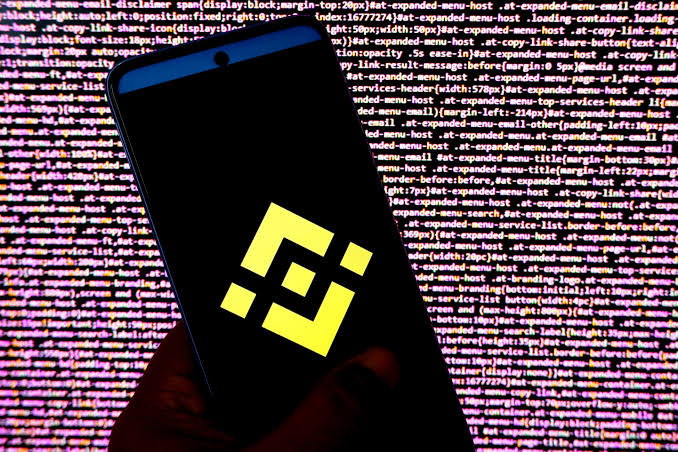
On 29 October, Binance, the world's biggest crypto exchange, reported a major security incident. Binance's own estimate is that about $6.3 billion was taken. If that number holds, it's the largest crypto theft ever. The previous record was about $1.5 billion, stolen from Bybit in 2025.
A lot of people in Nigeria keep their crypto on Binance, so here's a plain summary.
What happened
- How it started: Binance says the attack began with a compromised laptop. That gave the attacker access to an internal system, and from there they sent withdrawals that Binance didn't approve.
- Who did it: a blockchain research firm has linked the attack to hackers working for North Korea. The same group has been blamed for earlier exchange hacks.
- What Binance did: it paused deposits and withdrawals. About $3 billion of the stolen funds has been frozen so far.
- Your balance: Binance says it will cover all user losses. It hasn't published its full report on the attack yet.
Crypto prices dropped on the news, with Bitcoin falling to about $77,000.
If your crypto is on Binance
1. Don't panic-sell. Withdrawals are paused, so for now you can't move coins off Binance anyway. Selling in a falling market usually locks in a loss.
2. Only trust Binance's official channels. Get updates from the Binance app and Binance's verified accounts. Don't trust screenshots forwarded on WhatsApp.
3. Turn on every security setting. Use an authenticator app instead of SMS codes, set an anti-phishing code, and turn on a withdrawal address allowlist. This hack wasn't caused by users, but scammers will now target user accounts.
4. When withdrawals reopen, take your time. Expect a rush, and the app may be slow. Check the network and the address before you send. If you're unsure which network to use, read our guide to USDT networks.
The scams that always follow a hack
After a big hack, scammers show up within hours. Watch out for these this week:
- "Claim your Binance refund." A link that asks you to log in or connect your wallet. Binance's compensation will appear in your own account. You won't need to click a link anyone sent you.
- "Move your funds to this safe wallet now." Anyone asking you to send crypto to a "safe" or "recovery" address is stealing it.
- Fake support agents. People who reply to your posts or DM you saying they're from Binance support. Real support doesn't message you first, and it never asks for your password, 2FA code or recovery phrase.
- "Recovery experts." People who offer to get your stolen crypto back for a fee. They can't.
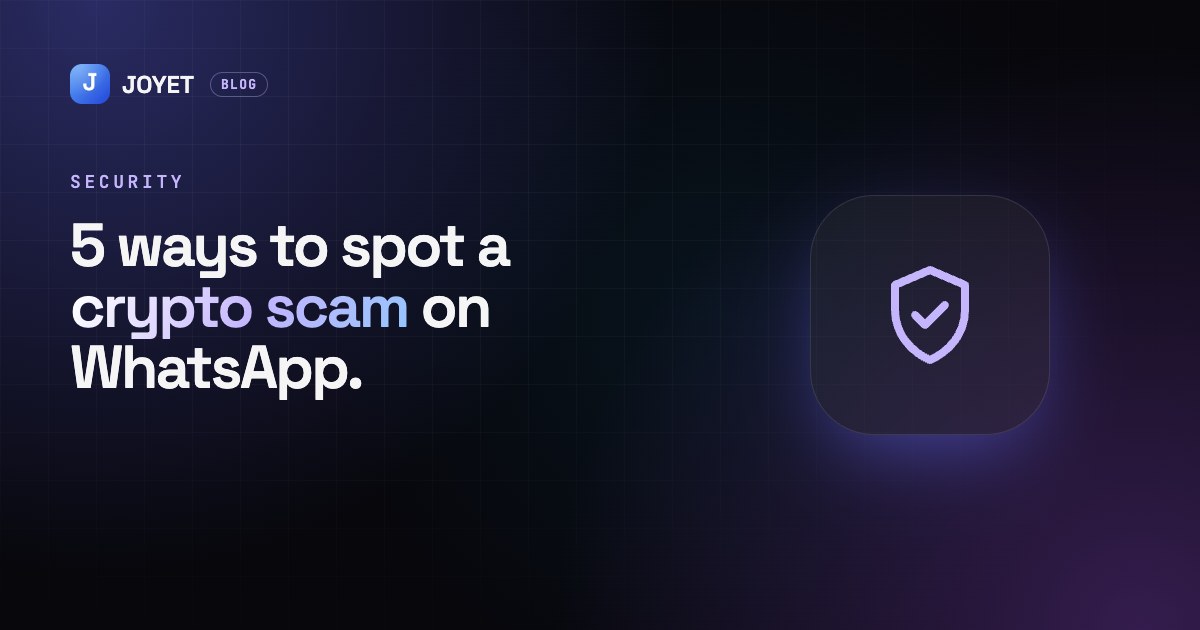
We wrote about the warning signs here: 5 ways to spot a crypto scam on WhatsApp.
The bigger lesson: don't keep everything in one place
Big exchanges are useful, but no platform is risk-free. This hack started with one compromised laptop. A few habits help:
- Spread your money out. Don't keep all your savings on one exchange or in one app.
- Keep long-term savings in a wallet you control, and only keep what you're actively trading on an exchange.
- Turn crypto you plan to spend into Naira when you need it, so that rent, bills and school fees don't depend on any one exchange staying open.
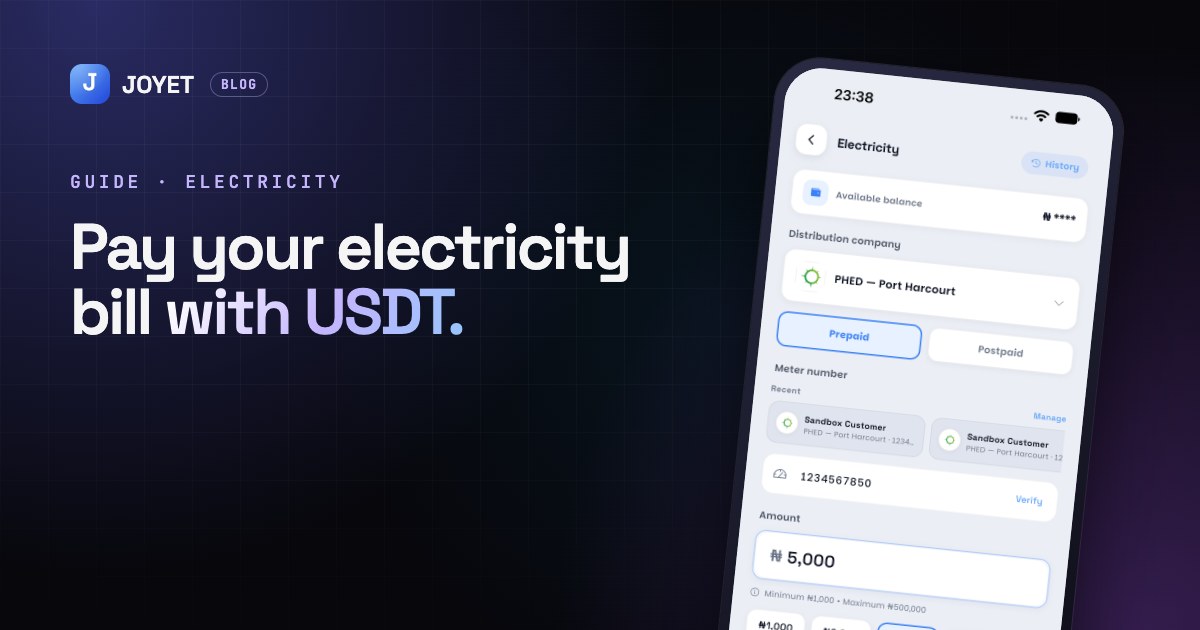
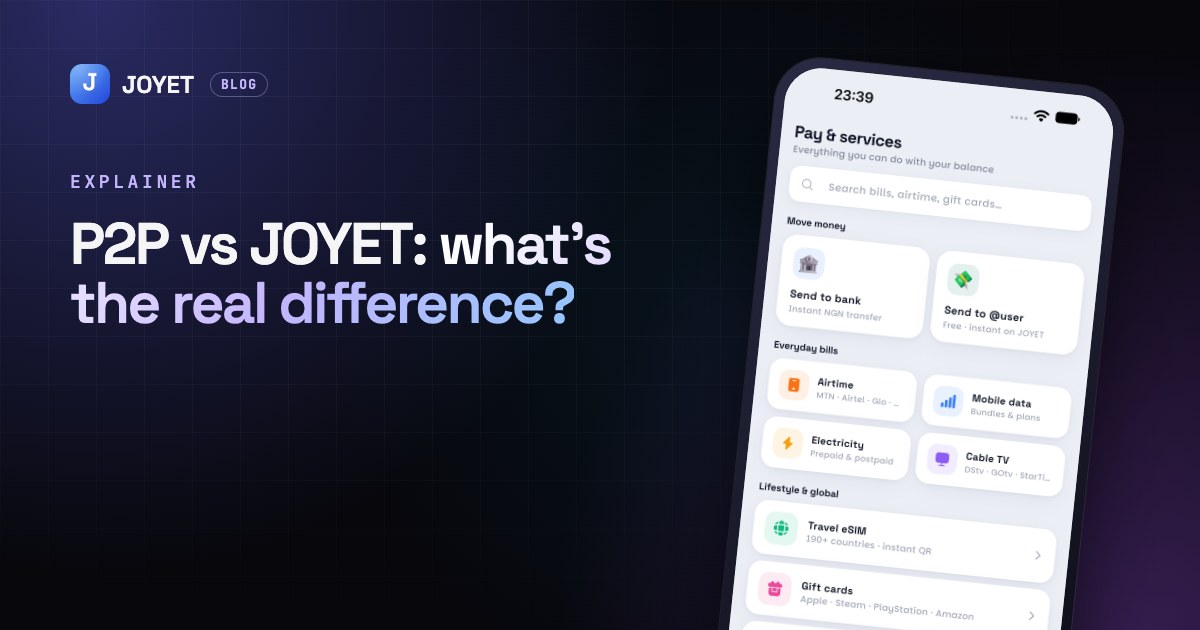
That last point is why we built JOYET. If you get paid in crypto, you can deposit it and pay for electricity, airtime, data and cable, or send money to a bank account. That way your everyday spending doesn't depend on any one exchange staying open.
How JOYET protects your account
- A transaction PIN for every payment, transfer and swap, so a stolen password alone can't move your money.
- Every withdrawal is checked for fraud before it goes out.
- We'll never ask for your PIN or login code, and we'll never message you asking you to send crypto anywhere.
Stay calm, check your sources, and don't click links you didn't ask for.