Stop running out of data mid-month
Data always seems to finish at the worst moment. Here are simple habits that make it last, and a quick way to top up when it doesn't.
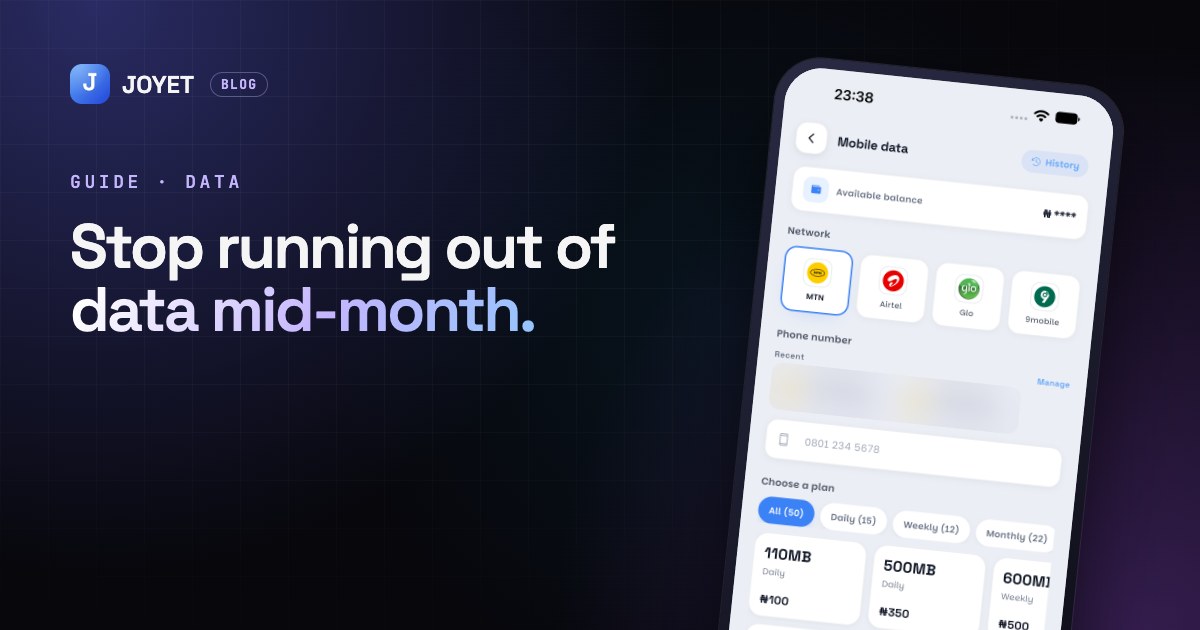
You bought a monthly plan. It's the 19th. It's gone. Here's how to make your data last, and how to top up fast when it doesn't.
Find out where it's going
Your phone tracks data use per app. On Android, look in Settings → Network → Data usage. On iPhone, it's Settings → Mobile Data. The usual suspects: video apps, auto-updates and cloud photo backup.
Small changes, big savings
- Lower video quality. On YouTube, TikTok and Instagram, data-saver settings can cut use a lot.
- Turn off auto-play in WhatsApp, Instagram and Facebook.
- Update apps on Wi-Fi only, and set photo backup to Wi-Fi only too.
- Download, don't stream. Save playlists and episodes when you're on Wi-Fi.
- Switch off mobile data for apps you don't need while you're out.
Pick the right plan
Daily and weekly plans can be cheaper if your use goes up and down. A monthly plan is better if you use about the same every day. Compare the price per GB, not just the total price.
Topping up from JOYET
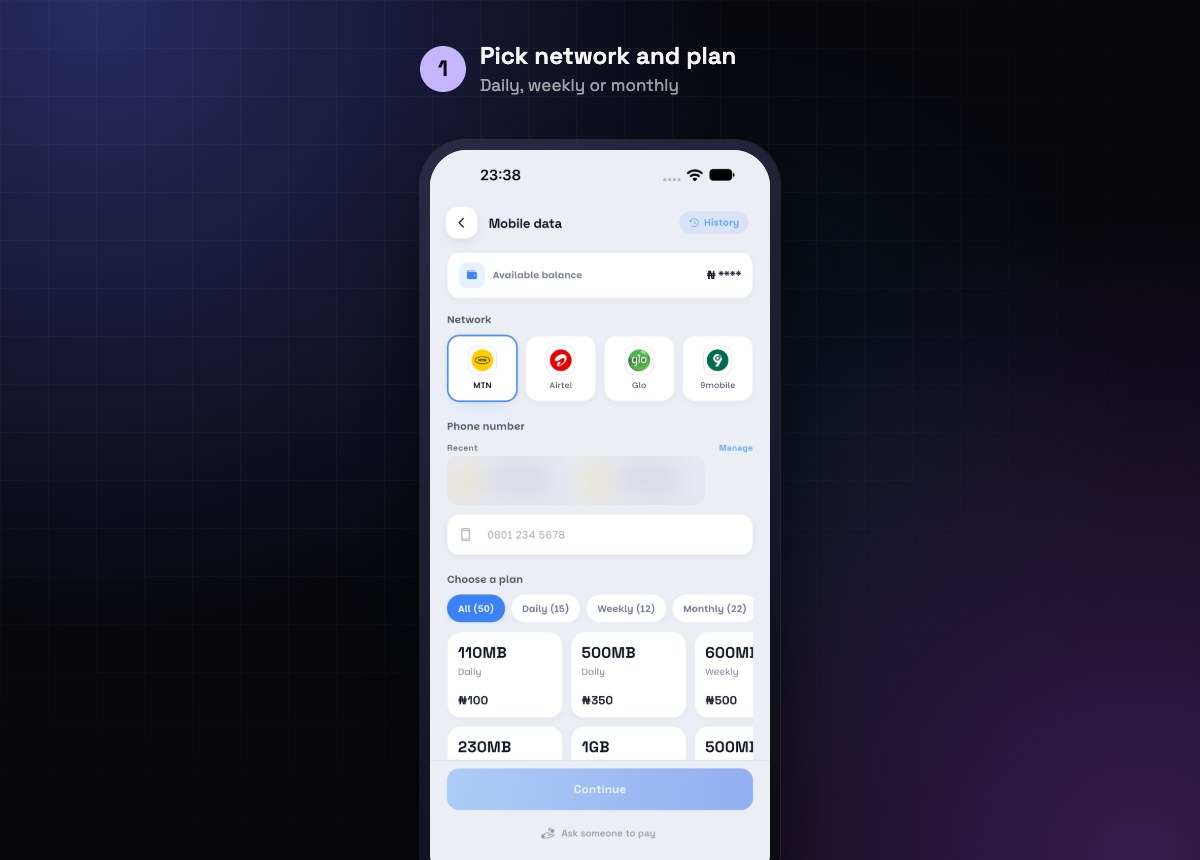
- Open Mobile data.
- Pick MTN, Airtel, Glo or 9mobile.
- Enter the phone number, or tap one from your Recent list.
- Filter by Daily, Weekly or Monthly and pick a plan.
- Confirm with your PIN.
Out of balance too? Tap Ask someone to pay and send the request to a friend or family member.
You can top up any number, not just your own, which makes it easy to keep your family connected.
JOYET is launching on Android and iPhone. Join early access on joyet.site and we'll send you the download link first. Questions? Email hello@joyet.site.